
Video Guidance for phones that use Android (e.g., Samsung, Oppo, Huwei, etc.)
Here is a video that provides a simple guide on how to set up your Android phone and use the main features. This video covers important skills such as making calls, connecting to Wi-Fi, browsing the internet, adding or removing apps to the home screen and more.
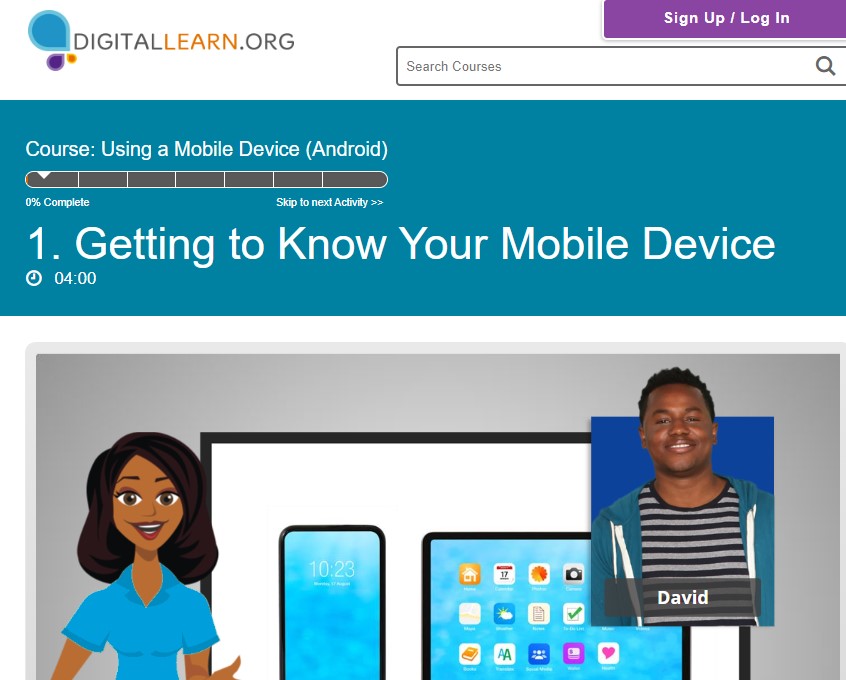
Here is another useful video series that will walk you through what your Android phone can do and how it works.
Click on the image below to go to the website:
Video Guidance for iPhone
The video below is called iPhone Basics for Seniors: How to Use the Phone. It is a really useful guide to all iPhone all the features available on your iPhone, and how to set them up or turn them off as it suits you, and to getting your iPhone set up in a way that suits you best.
The creator of this video, Rich Bowlin, makes a series of videos on all types of Apple technology – iPhones, iPads, Mac computers and laptops, and Apple watches. You can look through all the videos here: https://www.youtube.com/@RichBowlin
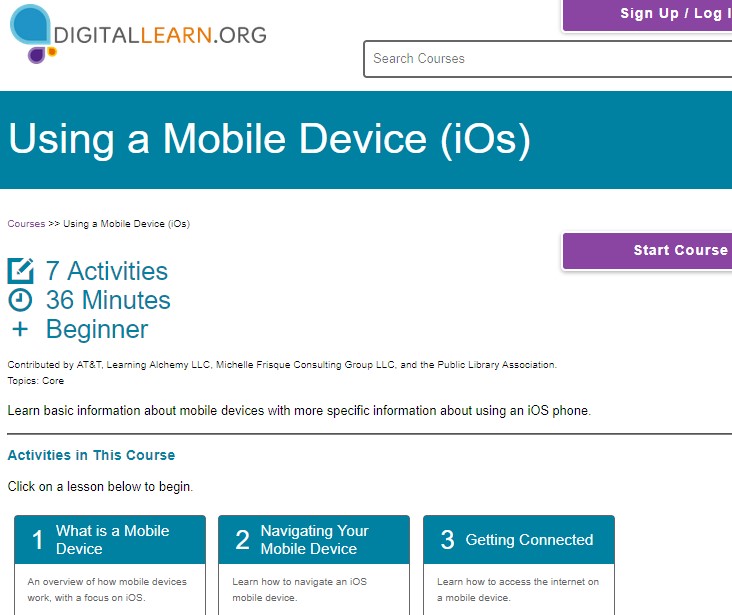
Here is another useful video series that will walk you through what your Apple iPhone can do and how it works.
Click on the image below to go to the website:
 ELM Home